
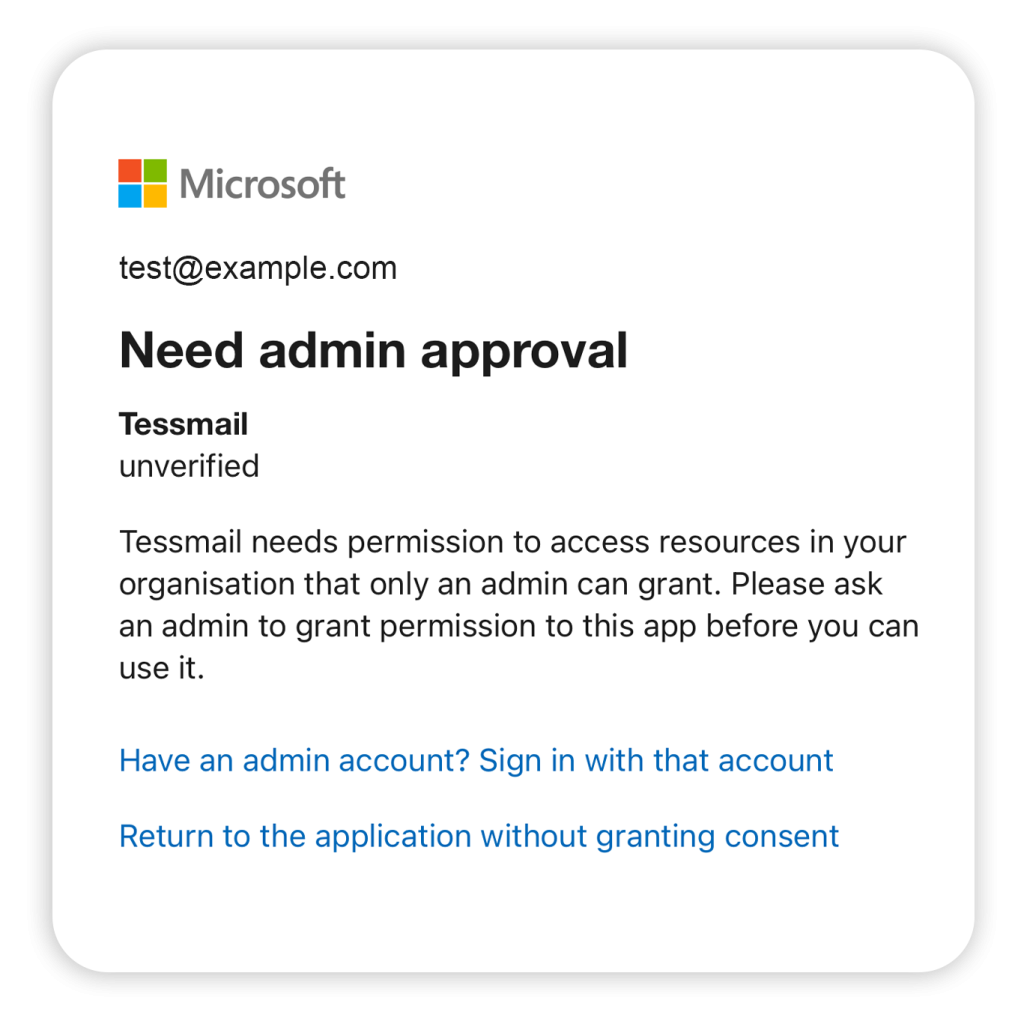
Microsoft 365 Admin Approval
If your organisation uses Microsoft 365, your IT administrator may need to approve Turnmail before you can connect your work email account.
⚠️ Important: Two Steps Required
IT administrators must complete both steps below. Step 1 alone only grants user-level consent. Step 2 is required for organisation-wide access.
For End Users
If you see an “Admin Approval Required” message when trying to connect your Microsoft 365 account, follow these steps:
- Copy the Admin Consent URL shown in the Turnmail app
- Send the URL to your IT administrator or helpdesk
- Ask them to complete both steps below
- Once approved, try connecting your account again
You can also use the “Email IT Team” button in the app to send a pre-written email with all the necessary information.
For IT Administrators
Complete both steps below to allow users in your organisation to connect their Microsoft 365 accounts to Turnmail.
STEP 1
Register the Application
- Click the Admin Consent URL provided by your user
- Sign in with Global Administrator credentials
- Review the requested permissions
- Click “Accept”
Permissions Requested
Turnmail requests the following Microsoft Graph API permissions:
| Permission | Purpose |
|---|---|
Mail.Read | Read email messages |
Mail.ReadBasic | Read basic email properties |
User.Read | Sign in and read user profile |
offline_access | Maintain access without re-authentication |
Turnmail is read-only by design. We cannot delete, move, or modify your emails. This protects you from accidental data loss. Learn more about our security practices.
Still Having Issues?
If you’ve completed both steps and users still can’t connect, please contact us at support@turnmail.com with details about the error message you’re seeing.